
The till
A till that runs on what you already own.
Any tablet, laptop or Android phone with a browser. Nothing to install, nothing to lease.
At the counter
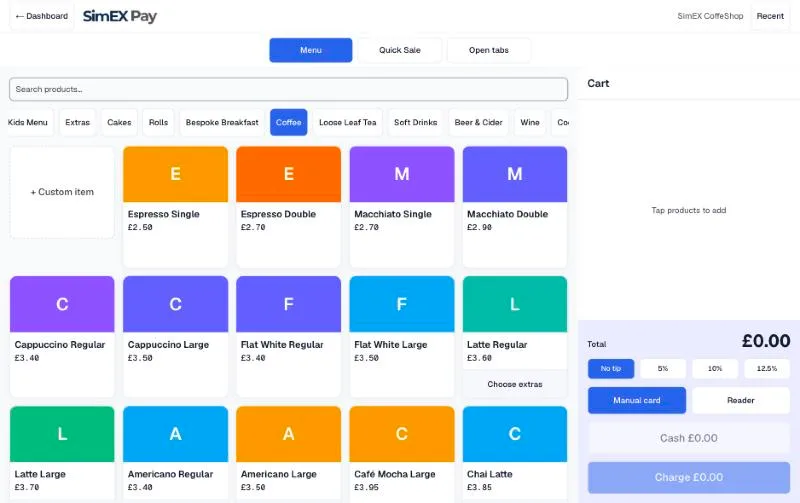
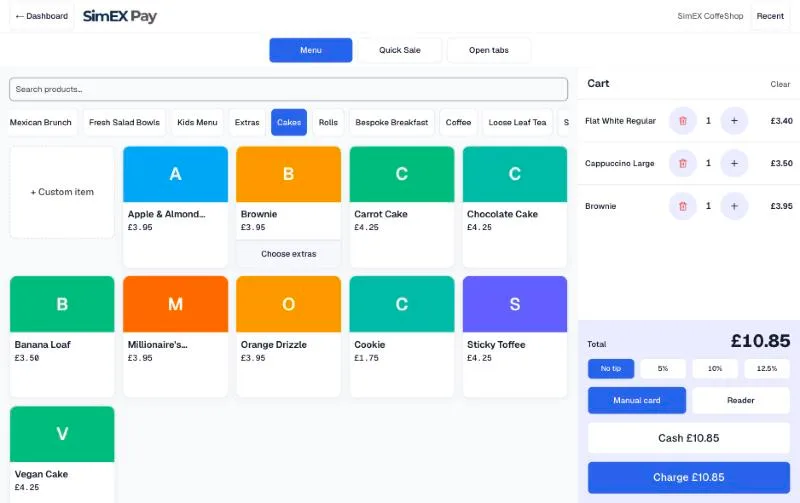
Menu grid with categories and search. Tap to add; extras such as oat milk or an extra shot are asked for on the item, priced, and printed on the ticket.
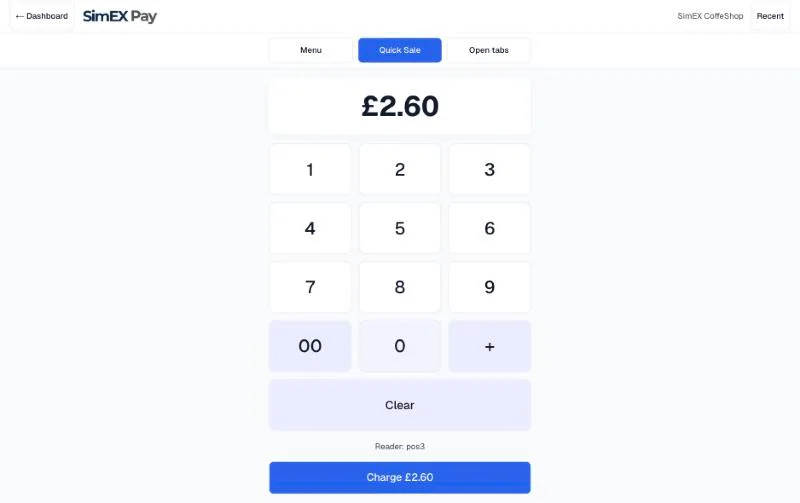
Quick sale. A numpad for the thing that is not on the menu. Type the amount, take the money; VAT at your default rate is worked out for you.
Custom items. A one-off dish or a special gets a name and a price on the spot.
Tips. No tip, 5, 10 or 12.5 percent, chosen before the charge, kept outside VAT and shown separately in the Z report.
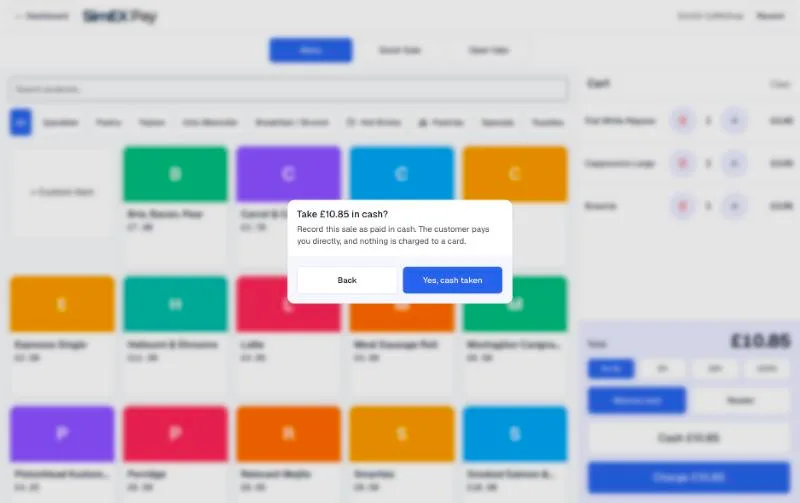
Cash, card, Pay by Bank. One screen. Cash sales are recorded, not charged; card goes to the reader or a manual card entry; Pay by Bank sends the customer to their banking app.
At the table
Open tabs. A tab per table, named as you like. Add the cart to a tab, send the round to the kitchen, keep adding through the evening.
Statements and split bills. Print or show a statement; take payment for part or all of the bill, as many times as the table needs.
Cancel a sent line. With a reason, by someone who is allowed to; the kitchen gets a cancellation ticket.
Write-offs. A dish that was wrong leaves the bill honestly and shows up in the Z report as a write-off, not a mystery.
Refunds that reconcile. Full or partial, from the dashboard, as a second document matched to the sale.
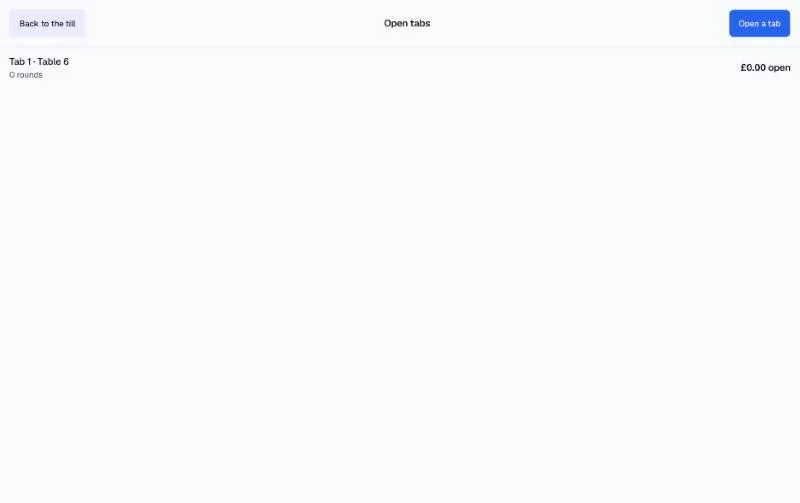
Screens shown are from a live SimEX Pay account.
See it on your own counter.
Fifteen minutes with your menu, your printer and a card. No contract afterwards, and your old till stays switched on while you decide.