
Your menu, on their phone
Customers order from the table. Allergens are on the item before they choose.
No app to install. They scan the code, read the menu in their own language, order, pay and tip from their own phone.
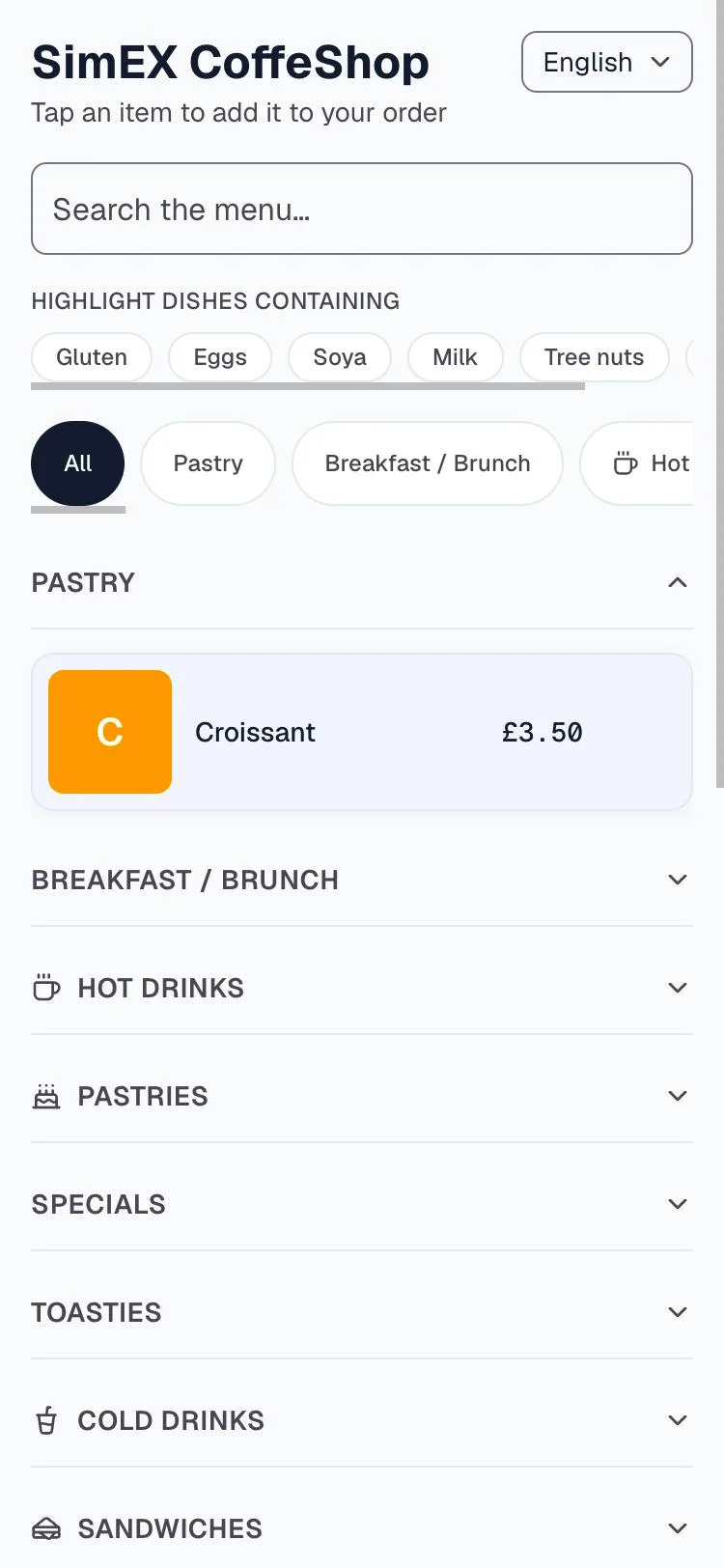
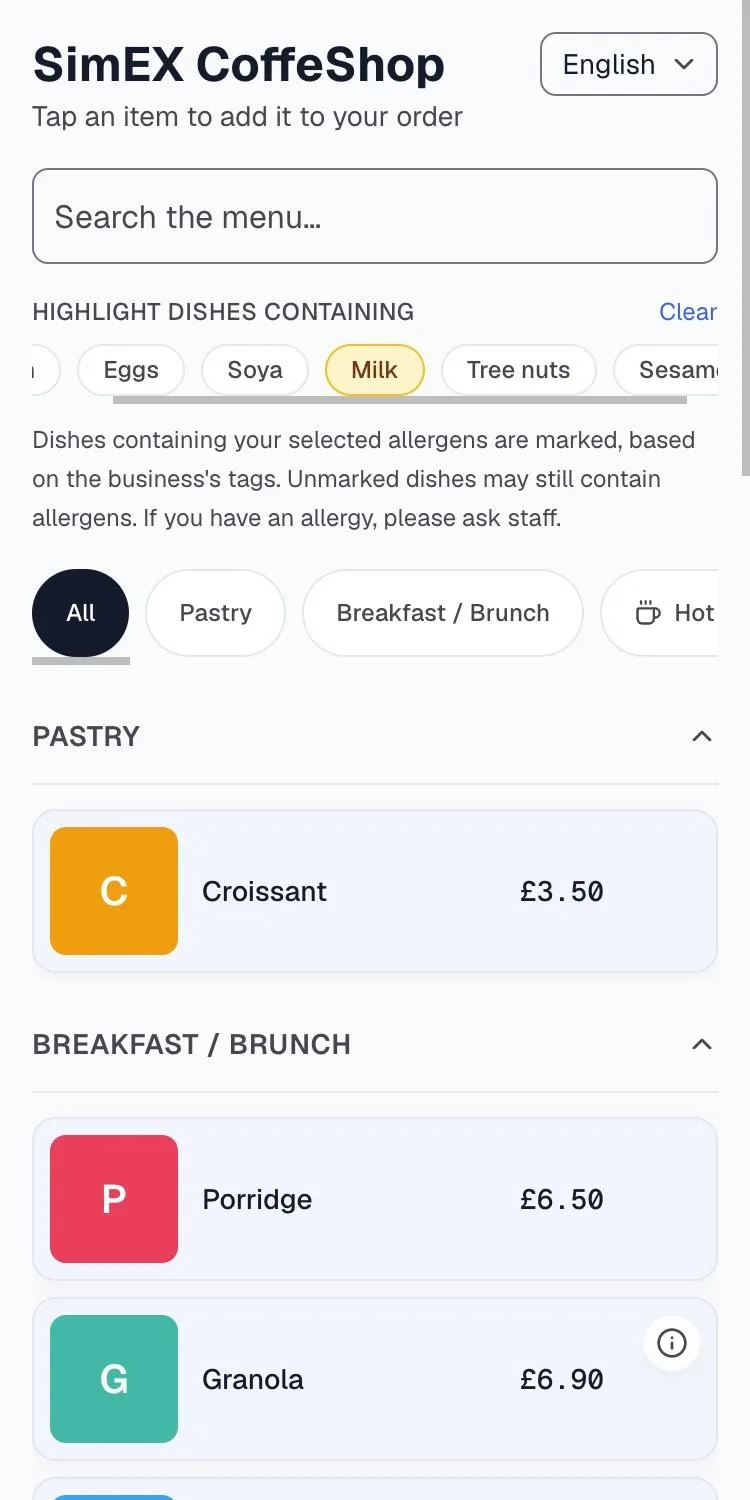
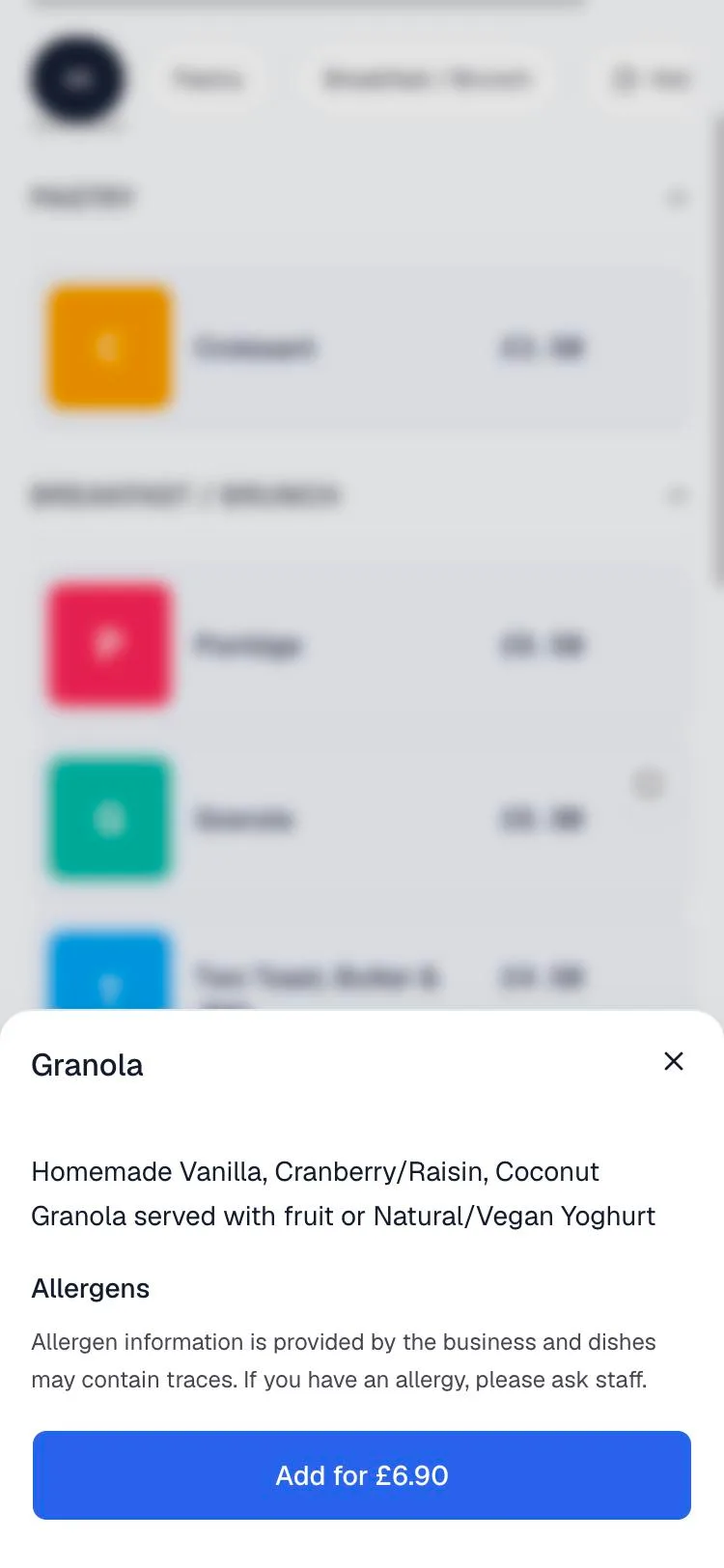
Allergen information on the QR menu is entered by the business; the menu tells customers to ask staff.
What the customer sees
All 14 FSA allergens. Gluten, eggs, soya, milk, tree nuts, peanuts, sesame, fish, crustaceans, molluscs, celery, mustard, lupin, sulphites. Tagged on the item, shown before it is chosen, with a highlight filter so a coeliac can see the whole menu at a glance. Allergen names follow the menu in English and Türkçe; a menu read in हिन्दी or 中文 shows them in English.
Four languages. English, Türkçe, हिन्दी and 中文, chosen by the customer at the top of the page. One menu, maintained once.
Descriptions and extras. The dish, what is in it, the options and their prices. Sold-out items simply disappear until tomorrow.
Order and pay from the table. The order lands on the kitchen printer and the live order screen; payment goes through Stripe; the tip is added on the customer's phone.
What you get
A code for the shop or one per table. From the dashboard, as a PNG you print yourself.
A live order screen. Paid QR orders and tab rounds in one queue, marked as they progress.
Menu changes in one place. Price, name, photo, description, allergens, VAT rate: edit once, the till and every QR code follow.
Spreadsheet import and export. Bring an existing menu in from a CSV, or hand one to your accountant.
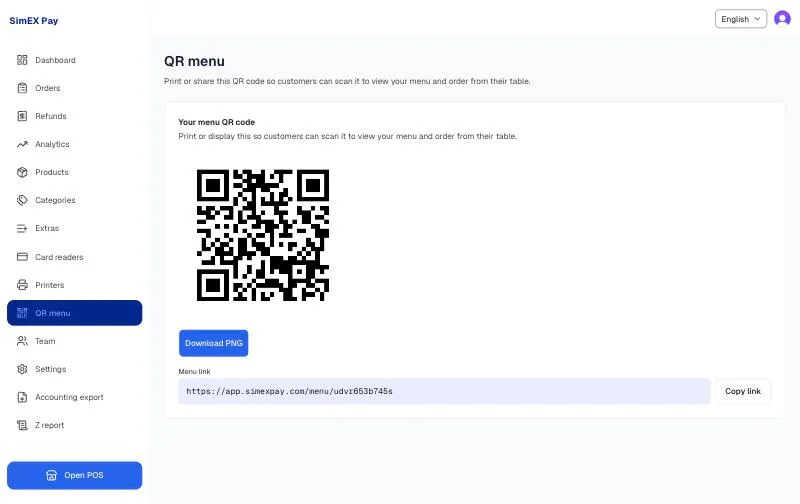
Screens shown are from a live SimEX Pay account.
See it on your own counter.
Fifteen minutes with your menu, your printer and a card. No contract afterwards, and your old till stays switched on while you decide.